How to log income in Balance Ctrl
2026-09-25
Salary as a repeating rule. Freelance or savings as a one-off.
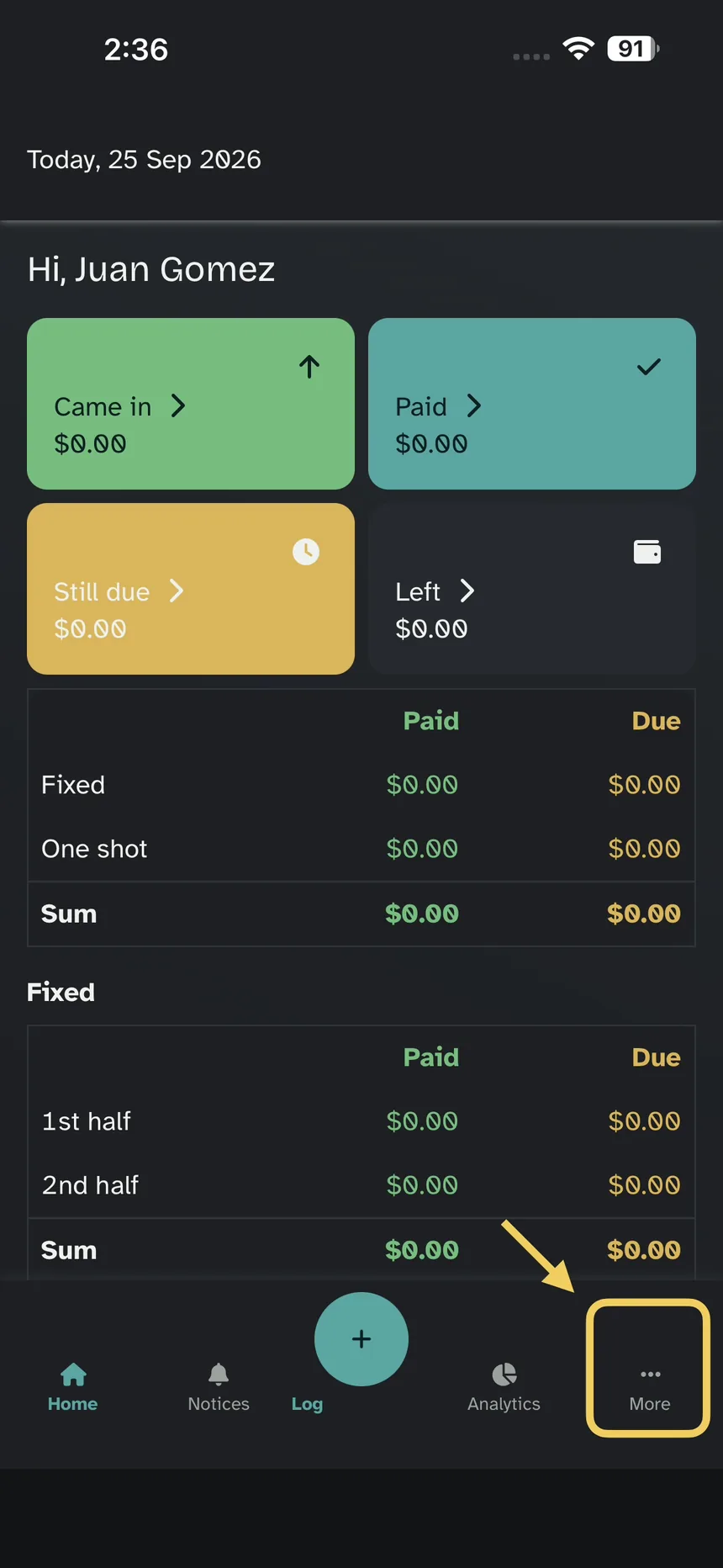
Step 1 — More
On Home, tap More (the three dots).
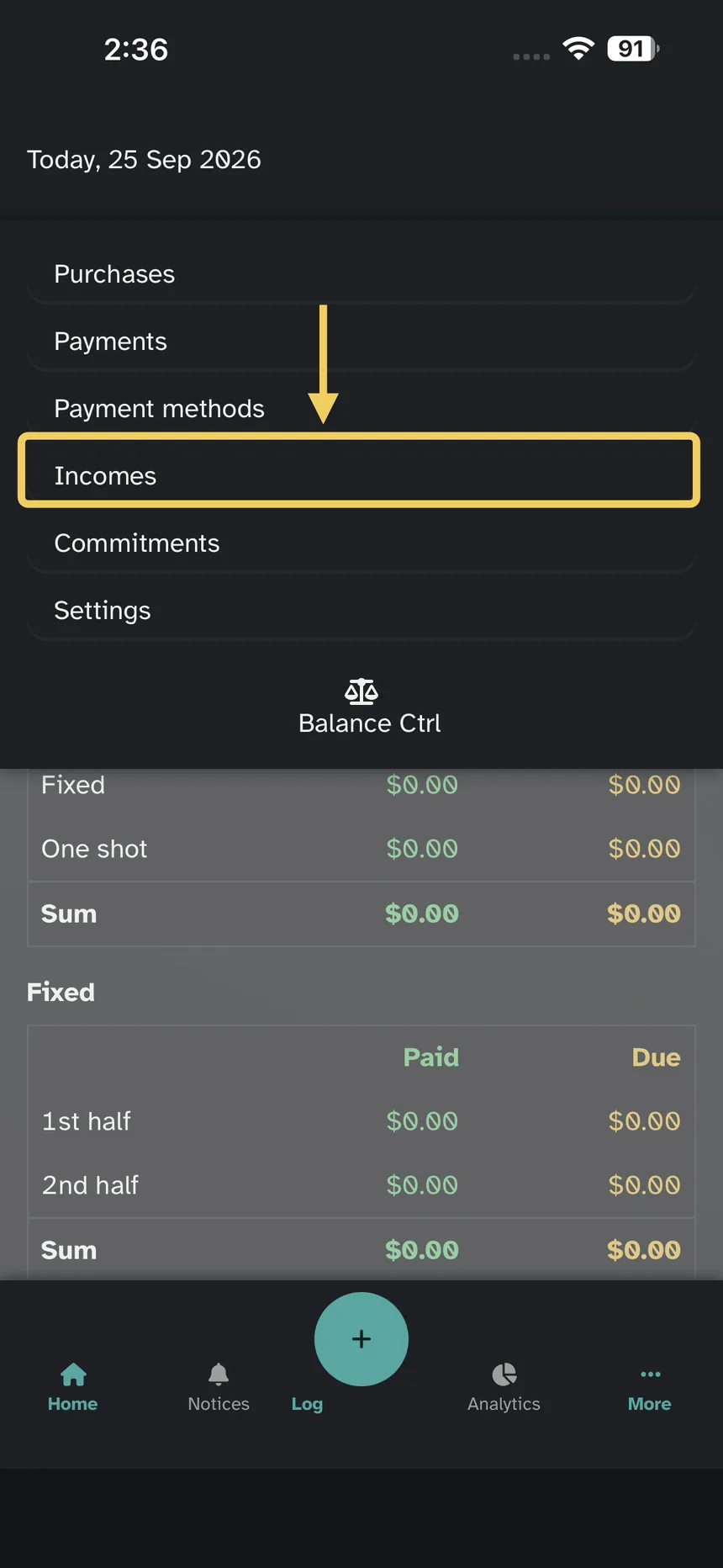
Step 2 — Incomes
In that menu, Incomes.
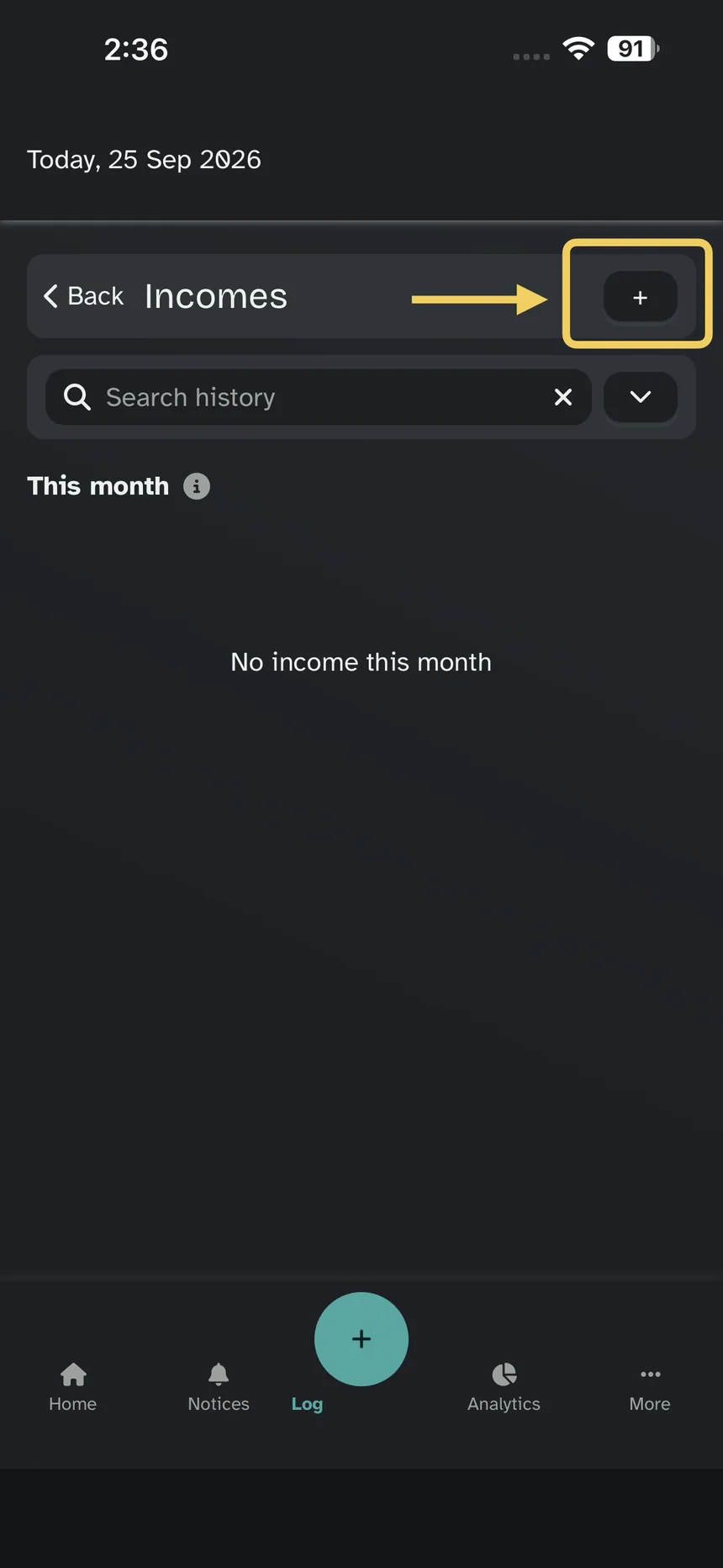
Step 3 — Add
On the list, the +.
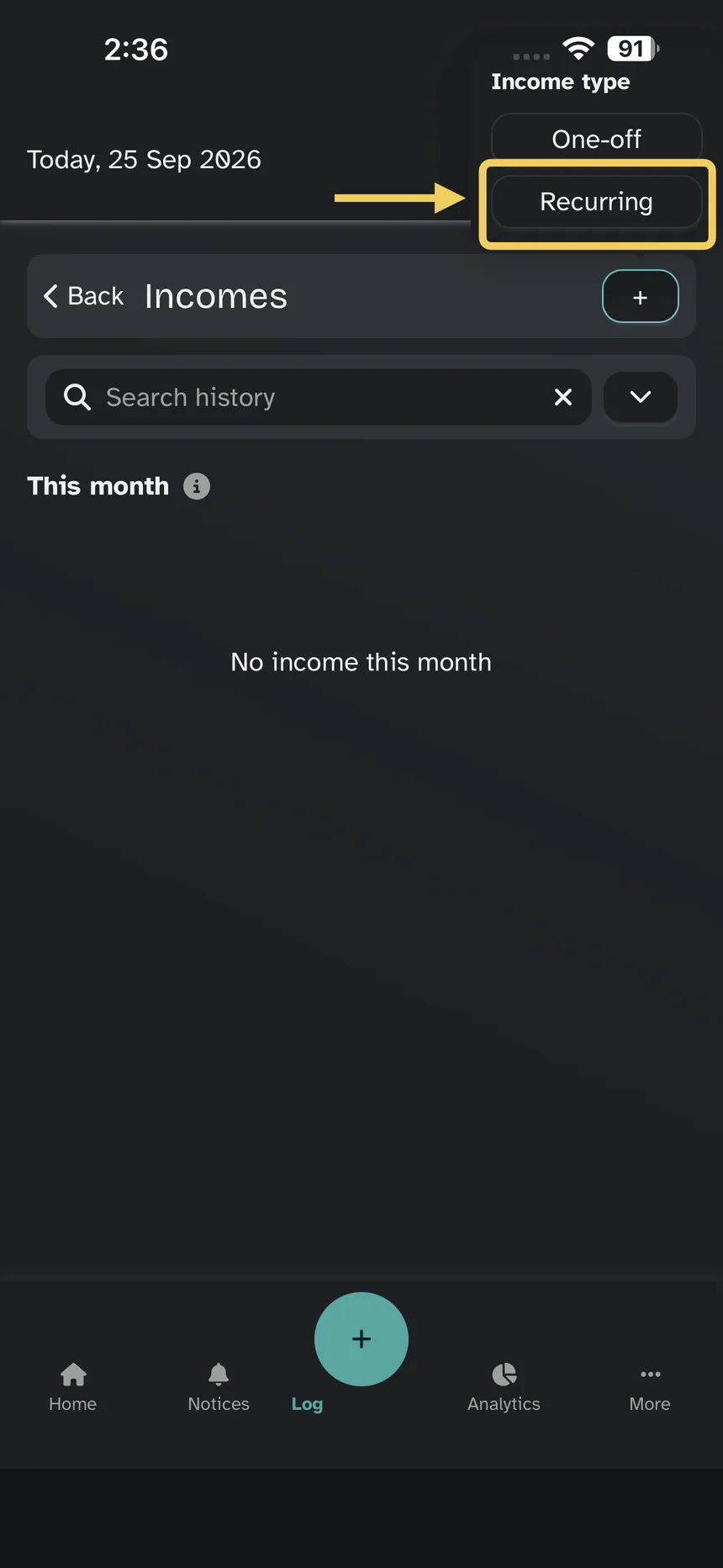
Step 4 — Recurring
You get One-off and Recurring. Tap Recurring.
Your job salary is recurring: it repeats. A one-time extra — freelance pay, or savings you want in this month — is one-off.
Step 5 — Create
Fill in New recurring income and tap Create.
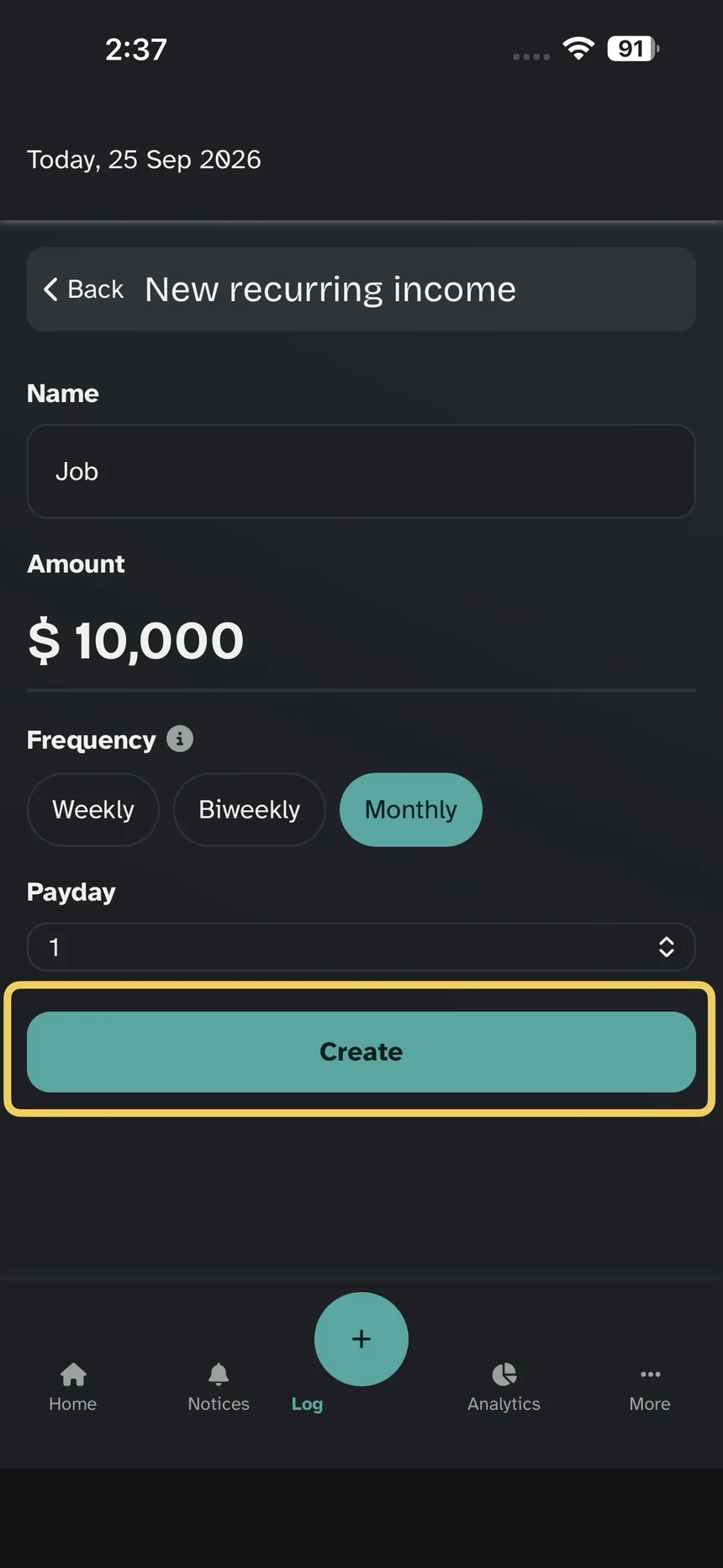
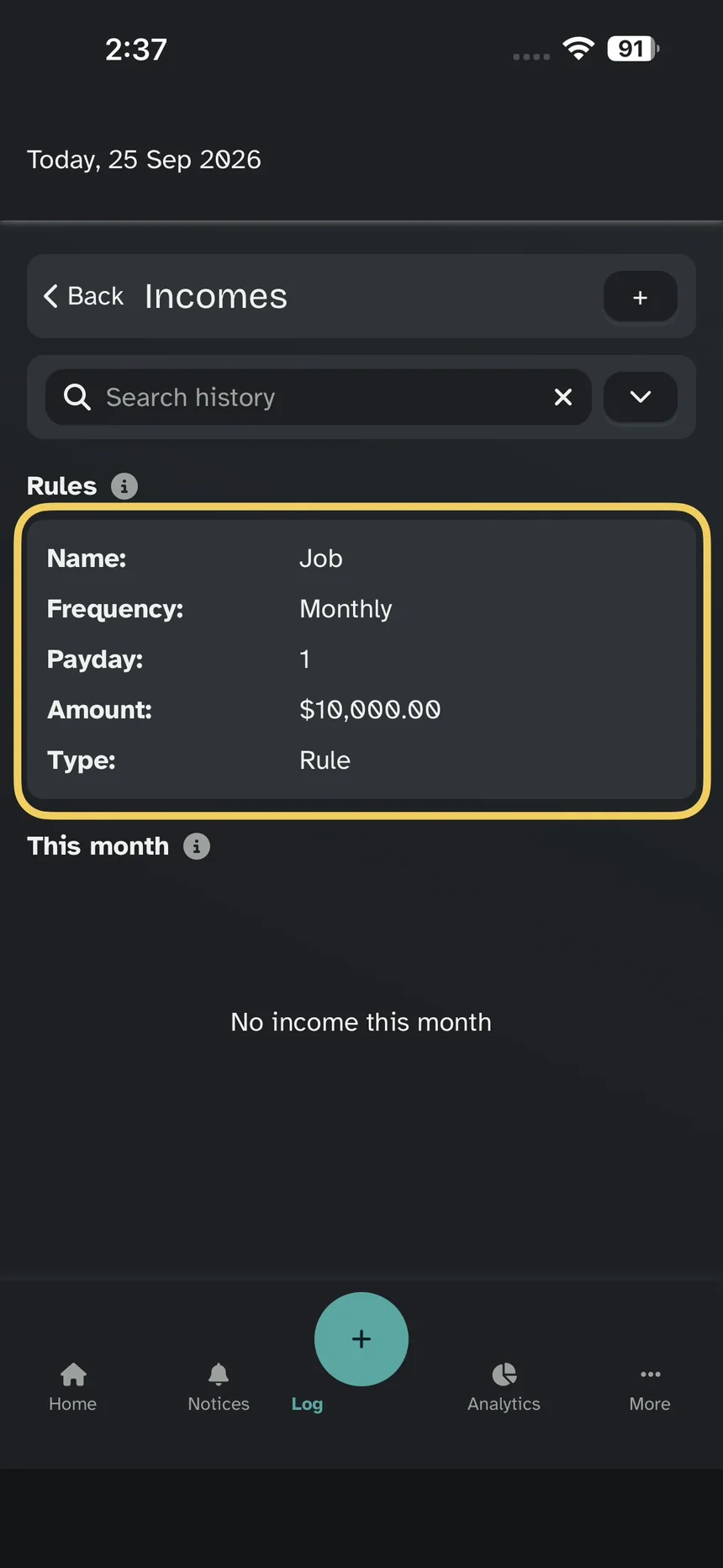
Step 6 — Rules
This example is monthly. It lands under Rules: you do not log it again every time. It hits the balance on payday, under This month.
A one-off hits the balance as soon as you save it.